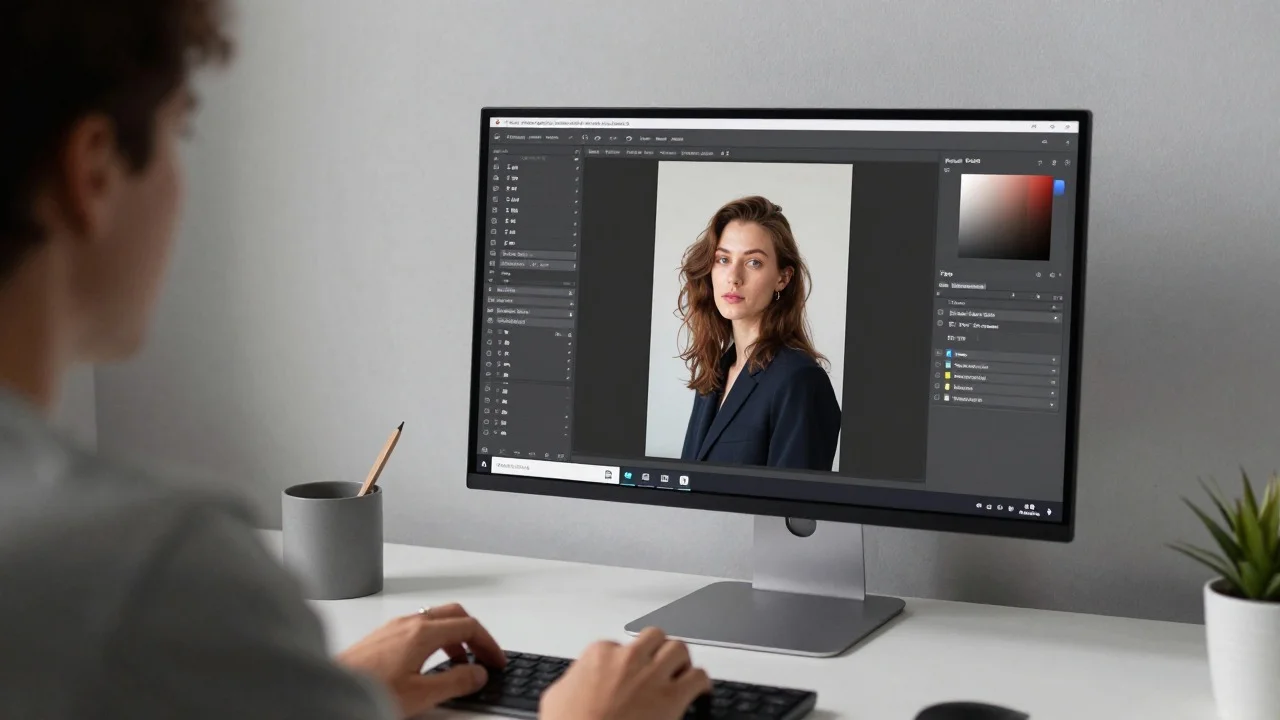
Finding an ai image editor with prompt controls that operates directly in your browser without requiring account creation has become essential for rapid asset creation. As of June 2025, modern browser-based generative engines allow developers, marketers, and creators to upload an image, enter text prompts, apply style transfers, or perform precise local edits without navigating complex software installations or forced registration walls.
The primary challenge for digital builders is filtering out low-quality tools that lock basic downloads behind hidden paywalls or ruin outputs with aggressive watermarking. In this review, I evaluate the top free online AI image editors based on practical testing across identical source photos, lighting challenges, prompt adherence, and output quality.
Best Free Online AI Image Editors at a Glance
| Product | Primary Use Case | Supported Modalities | No Sign Up Option | Billed Monthly | Billed Annually |
| Magic Hour | Automated prompt edits, upscaling, face swaps, video workflows | Photo, Video, GIF, Audio | Yes (Generous free tier) | $19 / mo (Creator), $39 / mo (Pro), $99 / mo (Business) | $12 / mo (Creator) |
| Clipdrop | Rapid background cleanup and object removal | Photo | Yes (Limited daily credits) | ~$13 / mo | ~$9 / mo |
| Fotor | Simple touch-ups, color correction, basic filters | Photo | Yes (Basic adjustments only) | $8.99 / mo | $3.99 / mo |
| Pixlr | Layers-based canvas editing with prompt generation | Photo | Yes (Ad-supported) | $7.99 / mo | $4.90 / mo |
| Canva | Template layout, social media graphics, light AI edits | Photo, Video | No (Signup required) | $18 / mo | $12 / mo |
The Top Free Online AI Image Editors Reviewed
1. Magic Hour
Magic Hour stands out as a high-performing browser platform designed for creators and teams who need professional output without friction. Its core strength lies in combining generative model flexibility with simple click-to-create controls. You can use an ai image editor with prompt tools inside Magic Hour to transform photo styles, adjust visual elements via natural language, upscale assets to 4K resolution, or chain static images directly into motion clips and talking videos without leaving the web browser.
In testing, Magic Hour handled multi-step prompts with precision, preserving the underlying structural geometry of the subject while modifying background textures, clothing styles, and lighting setups. Because paid tiers have no concurrency cap, high-volume creators can queue multiple parallel generations simultaneously. The platform is fully accessible on desktop and mobile browsers, allowing instant generation passes with no account setup required.
- Pros:
- Exceptional prompt adherence across varied art styles and hyper-realistic photo modes.
- Parallel generation support with no concurrency bottleneck on paid tiers.
- Native API parity across tools for custom workflow integration.
- Unified ecosystem linking photo edits, lip sync, talking photos, and video generation.
- Generous free tier that lets you start editing immediately without signing up.
- Rollover value: credits never expire on paid plans.
Cons:
- Deep feature suite takes a moment to explore if you only need a simple crop.
- Advanced parameter options benefit from basic prompt familiarity.
If you are looking for a platform that delivers high visual realism, fast execution, and seamless multi-step workflows without forcing registration, Magic Hour is hard to beat.
Pricing and Plans:
- Free: Available with daily credits, no credit card or signup required.
- Creator: $19 per month ($12 per month billed annually).
- Pro: $39 per month.
- Business: $99 per month.
2. Clipdrop
Clipdrop (developed by Stability AI) offers a suite of web tools tailored for quick utility edits such as object removal, relighting, and background replacement. It is well suited for ecommerce sellers and social media managers who need fast image cleanup.
During evaluation, Clipdrop performed exceptionally well on object removal and image upscaling tasks. Its prompt based background replace tool creates clean cutouts quickly, though non-registered web users face resolution caps and watermarks on high-volume exports.
Pros:
- Excellent automatic background removal and object cleanup.
- Simple, clean web interface designed for fast single-task execution.
- Useful relighting features for portrait photography.
Cons:
- Free export options are capped at lower resolutions.
- Prompt control over complex artistic scene changes is limited.
- Daily free queue speeds drop during high-traffic hours.
If you need to remove an unwanted background item or clean up an ecommerce product shot instantly, Clipdrop provides a reliable browser environment.
Pricing and Plans:
- Free Tier: Limited daily credits with resolution constraints.
- Pro Plan: ~$13 per month (or ~$9 per month billed annually).
3. Fotor
Fotor is a long-standing web photo editor that has added several AI-powered features, including prompt based image generation, background removal, and face retouching. It bridges the gap between traditional slider adjustments and generative tools.
Testing Fotor showed good results for standard color enhancements, contrast tweaks, and simple portrait touch-ups. However, its free web experience relies heavily on banner advertisements, and many advanced generative features prompt you to upgrade.
Pros:
- Familiar layout combining traditional sliders with basic AI features.
- Solid batch processing tools for multi-image editing.
- Extensive library of graphics templates and stock assets.
Cons:
- Ad-supported free tier can feel cluttered.
- Watermarks apply to advanced AI generator outputs on free accounts.
- Prompt adherence for multi-subject generation is less accurate than specialized tools.
For users who want basic photo retouching alongside simple graphic design tools, Fotor is an accessible web option.
Pricing and Plans:
- Free Plan: Basic editing with ads and watermarked exports.
- Pro Plan: $8.99 per month ($3.99 per month billed annually).
- Pro+ Plan: $19.99 per month ($8.99 per month billed annually).
4. Pixlr
Pixlr provides a photoshop-like experience inside the web browser, offering full layer support alongside AI fill, object selection, and prompt driven text-to-image plugins. It caters to users who like manual canvas control over individual elements.
In hands-on testing, Pixlr excelled at layer composition and precise visual masking. The prompt-based generator works reasonably well for simple texture additions, though export caps on the free tier require monitoring.
Pros:
- Detailed layer-based workspace inside the browser.
- Strong keyboard shortcut support for rapid manual edits.
- Good collection of classic selection, brush, and clone tools.
Cons:
- Free usage includes ads and daily export limits.
- Steeper learning curve compared to simple prompt-and-generate tools.
- Generative AI processing speed lags behind modern dedicated cloud engines.
If you prefer classic graphic software controls with layers and selection masks, Pixlr offers a capable web environment.
Pricing and Plans:
- Free Tier: Ad-supported access with daily save limits.
- Plus Plan: $1.99 per month.
- Premium Plan: $7.99 per month ($4.90 per month billed annually).
5. Canva
Canva is widely recognized for drag-and-drop design templates, and its Magic Studio brings generative AI prompts into visual document creation. It helps non-designers build quick marketing banners, social media posts, and pitch decks.
During testing, Canva proved efficient for assembling visual components into branded templates. However, unlike other options on this list, Canva requires account registration before you can use any editor feature, making it less suitable for instant no-signup edits.
Pros:
- Massive library of marketing templates, fonts, and stock elements.
- Seamless team collaboration and social publishing workflows.
- Simple user interface designed for non-technical users.
Cons:
- Account signup is strictly mandatory before accessing the editor.
- Premium background removal and advanced generative features require Pro.
- Monthly AI credit caps apply across all Magic Studio features.
For creators building complete marketing campaigns who do not mind logging in, Canva remains a versatile ecosystem.
Pricing and Plans:
- Free Plan: Free forever with basic templates and 50 AI credits (signup required).
- Canva Pro: $18 per month ($12 per month billed annually).
- Canva Business: $25 per month per seat.
How We Tested and Evaluated These Tools
To select the top options, I ran each platform through identical image generation and editing benchmarks over two weeks. My focus was evaluating real utility for creators and developers who need fast, production-ready outputs without unnecessary steps.
Evaluation Criteria
- Accessibility Without Friction: We checked whether users can upload assets, write prompts, and process edits without mandatory registration walls or credit card submissions.
- Prompt Adherence and Realism: We tested complex text prompts requesting lighting changes, style transfers, and subject additions to measure how well the AI interprets instructions without distorting facial or structural features.
- Processing Speed: We measured export times and queue performance during peak working hours.
- Export Flexibility and Quality: We evaluated output resolutions, watermark enforcement, and options to upgrade or scale up via API.
Market Landscape and Future Trends
The browser image editing landscape has transformed from simple pixel adjustments to intelligent scene understanding. Static photo tools are rapidly merging with multi-modal platforms where a single prompt can generate a base photo, edit specific regions, upscale details, and generate matching video assets.
Another clear trend is reducing user friction. Modern creators prefer lightweight, web-first platforms that deliver immediate output without lengthy software installs or compulsory account forms. Over the next few quarters, expect tools to prioritize faster diffusion models, stronger multi-language prompt adherence, and deeper developer API integrations.
Final Takeaway
Selecting the best browser editor comes down to your primary production goals:
- For prompt driven editing, high realism, parallel processing, no sign up friction, and unified video tools, Magic Hour is the top choice.
- For fast object cleanup and background removal, Clipdrop works well.
- For combining traditional slider adjustments with basic AI touch-ups, Fotor offers a simple balance.
- For layer-based graphical composition, Pixlr provides classic canvas controls.
I recommend trying these tools directly in your browser with your own assets to find the best fit for your editing style.
Frequently Asked Questions
Yes, platforms like Magic Hour offer free tiers that allow you to enter text prompts, modify existing photos, and download edits directly in your web browser without entering credit card details.
No sign up tools let creators, developers, and marketers test features, complete quick tasks, and evaluate visual quality immediately without managing accounts or sharing personal data upfront.
Standard generators create images from scratch based purely on text. An AI image editor accepts an existing base image and lets you modify specific areas, transfer styles, change backgrounds, or upscale resolution while retaining original subject composition.
Selected platforms like Magic Hour provide complete API access alongside their web interfaces, allowing developers to automate image edits, upscaling, and generative workflows programmatically.